4 min readBy the VORNIC360 Team
Xtream Codes vs. M3U: Which IPTV Login Should You Use?
Xtream Codes and M3U both sign you in to IPTV apps, but they work differently. Compare setup, TV guide loading and app support, and when MAC activation applies.
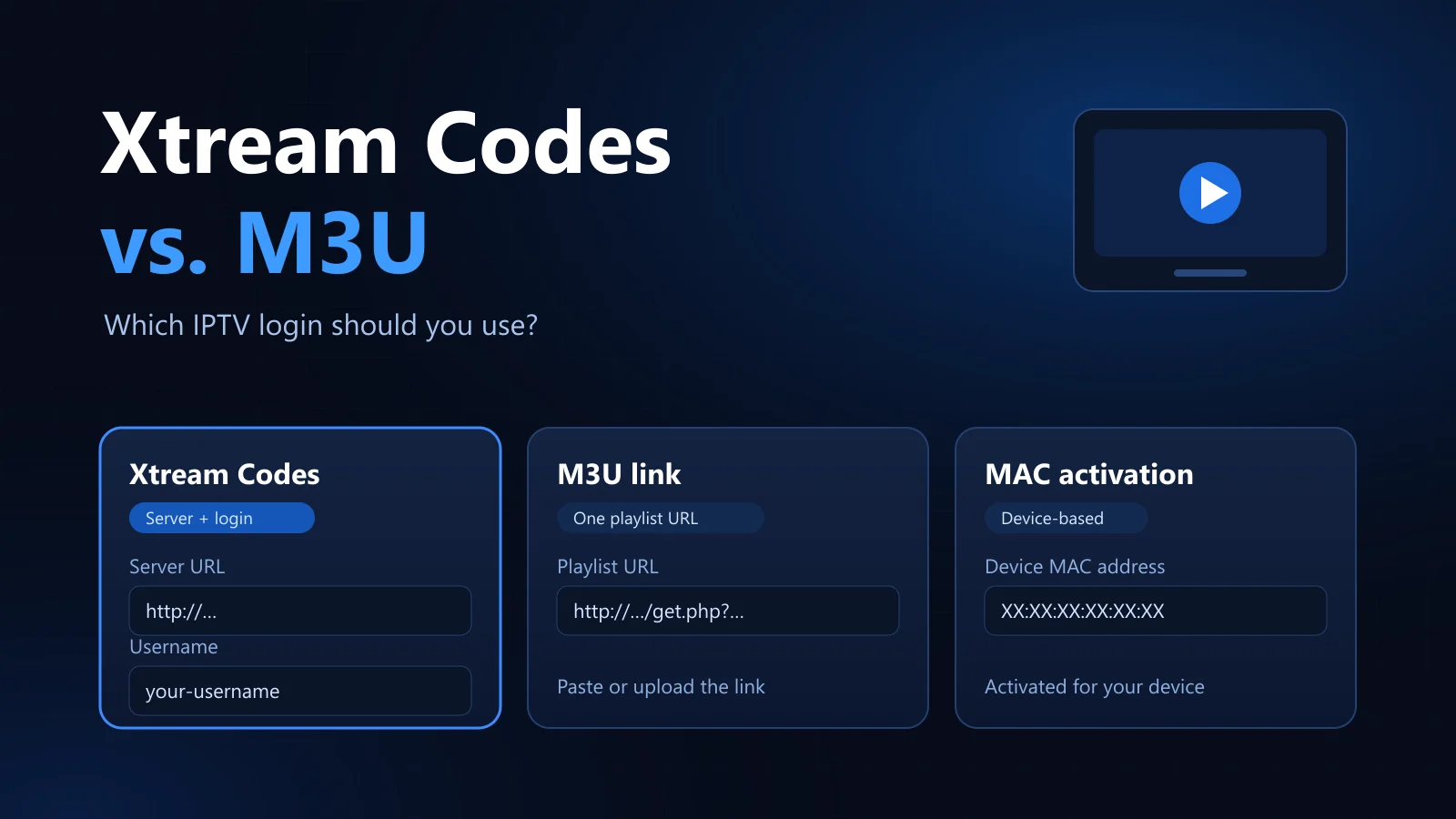
When you set up an IPTV app, it usually asks how you want to sign in: with Xtream Codes or with an M3U link. Some apps also offer MAC activation. All three can give you the same channels, but they work differently, and picking the right one makes setup faster and your TV guide more reliable.
The quick answer
- Use Xtream Codes if your app supports it. You type three short details, and the app loads your live channels, TV guide, movies and series in organized categories.
- Use an M3U link if your app only accepts playlists, or as a backup. It works in almost every IPTV player.
- Use MAC activation only when your app or device asks for it, such as some Smart TV apps and MAG boxes.
What is Xtream Codes?
An Xtream Codes login has three parts: a server URL, a username and a password. Instead of downloading one long list, the app asks the server for each part of your subscription separately: live channels, program guide data and on-demand content. That is why apps label this option “Login with Xtream Codes API”.
The name comes from an older server panel. Today it simply describes this login format, which most modern IPTV players support.
What is an M3U link?
M3U is a plain-text playlist format. An M3U link (also called an M3U playlist URL) is a single web address that returns your whole channel list. Each entry in the playlist includes a channel name, optional details such as a logo and guide ID, and the stream address. Your app downloads the list and shows it as channels.
Because an M3U link is long, it is hard to type with a TV remote. Most people paste it on a phone or computer, or upload it through the app's website. Some apps also need a separate guide address (often called an EPG or XMLTV URL) to show the TV guide.
Xtream Codes vs. M3U compared
| Xtream Codes | M3U link | |
|---|---|---|
| What you enter | Server URL, username, password | One playlist address |
| Typing on a TV remote | Easy: three short fields | Hard: one long address |
| TV guide (EPG) | Usually loads automatically | Sometimes needs a separate guide URL |
| Movies and series | Usually shown in their own sections | Depends on the app |
| App support | Most modern IPTV players | Almost every IPTV player |
Both methods can refresh your channel list. With Xtream Codes, the app asks the server again when it refreshes; with an M3U link, the app downloads the playlist again. How often that happens depends on your app's settings.
What about MAC activation?
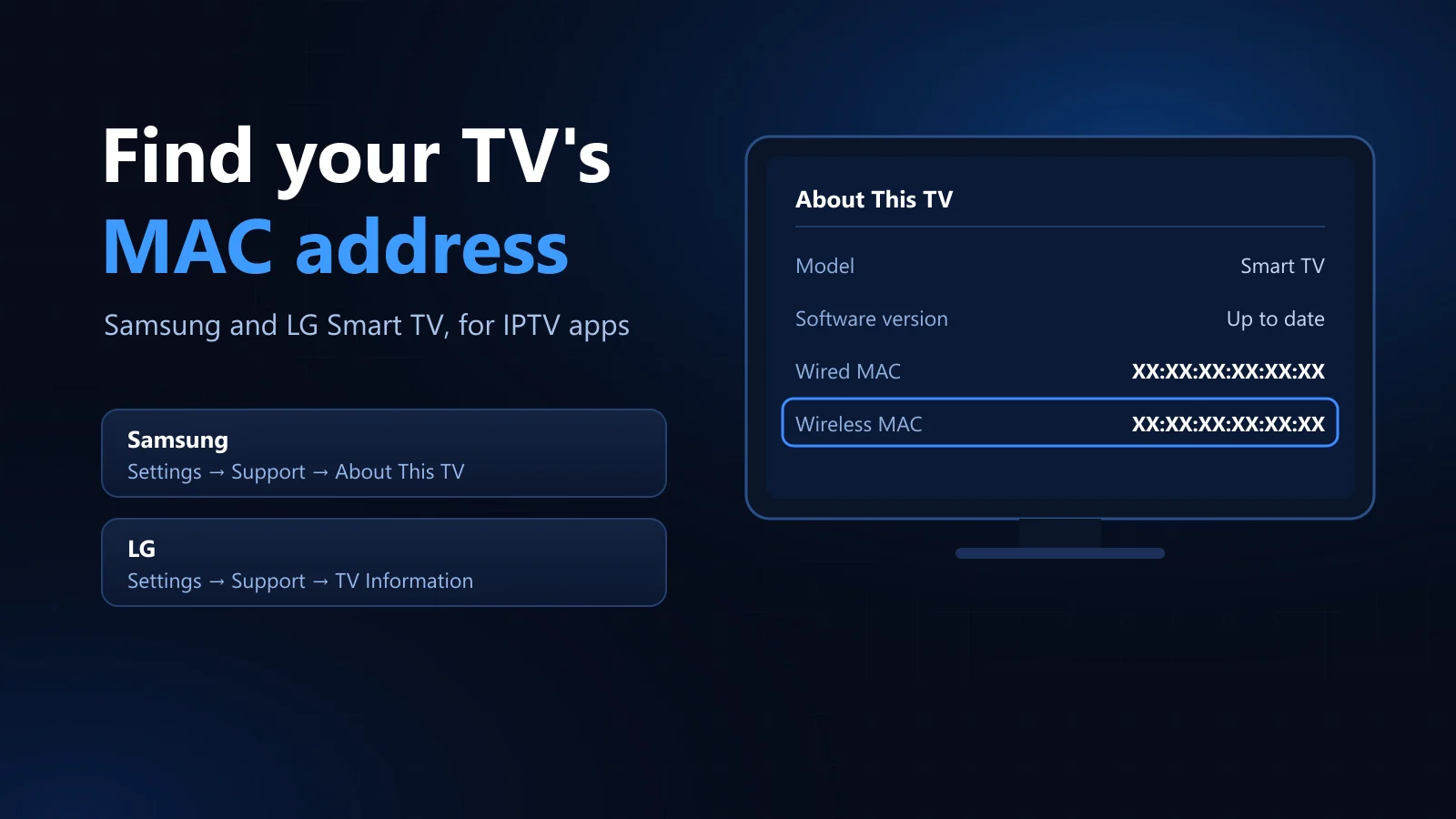
Some Smart TV apps, such as IBO Player and Smart IPTV, and MAG boxes are linked to a device instead of a typed login. The app or box shows a MAC address (and sometimes a device key), and the playlist is assigned to that device. If your app asks for this, here is how to find the MAC address on a Samsung or LG TV.
Which login does each app support?
| App | Login options |
|---|---|
| IPTV Smarters | Xtream Codes or M3U link |
| TiviMate | Xtream Codes or M3U link |
| IBO Player | Xtream Codes, M3U link or MAC activation |
| Smart IPTV | M3U link with MAC activation |
Login screens change between app versions, so look for wording such as “Xtream Codes API”, “Add playlist” or “M3U URL”. The installation guide shows which app fits each device.
How to sign in with each method
Xtream Codes in IPTV Smarters
- Open IPTV Smarters and choose Login with Xtream Codes API.
- Enter any name you like, then your username, password and server URL exactly as you received them.
- Select Add User and wait while your content loads.
M3U link in TiviMate
- Open TiviMate and select Add playlist.
- Choose M3U playlist and paste your M3U link.
- Select Next and wait while your channels and TV guide load.
Step-by-step instructions for every device are in the VORNIC360 installation guide.
Keep your login private
An M3U link usually contains your username and password inside the address, so treat it like a password. Do not post it online or share it outside your household, and never type it into a website you do not trust.
If your login does not work
- Enter the server URL exactly as provided, including http:// and any port number (for example, :8080).
- Usernames and passwords are case-sensitive. Check for spaces at the start or end.
- If the channel list is empty, refresh the playlist in your app or restart the app.
Still stuck? See common problems and solutions or contact the VORNIC360 team. New to VORNIC360? Start with what VORNIC360 is and how it works.
Related articles
3 min read
How to Find the MAC Address on a Samsung or LG Smart TV for IPTV
Step-by-step paths to find your Samsung or LG Smart TV's MAC address, which address your IPTV app needs, and why apps like IBO Player show their own.
4 min read
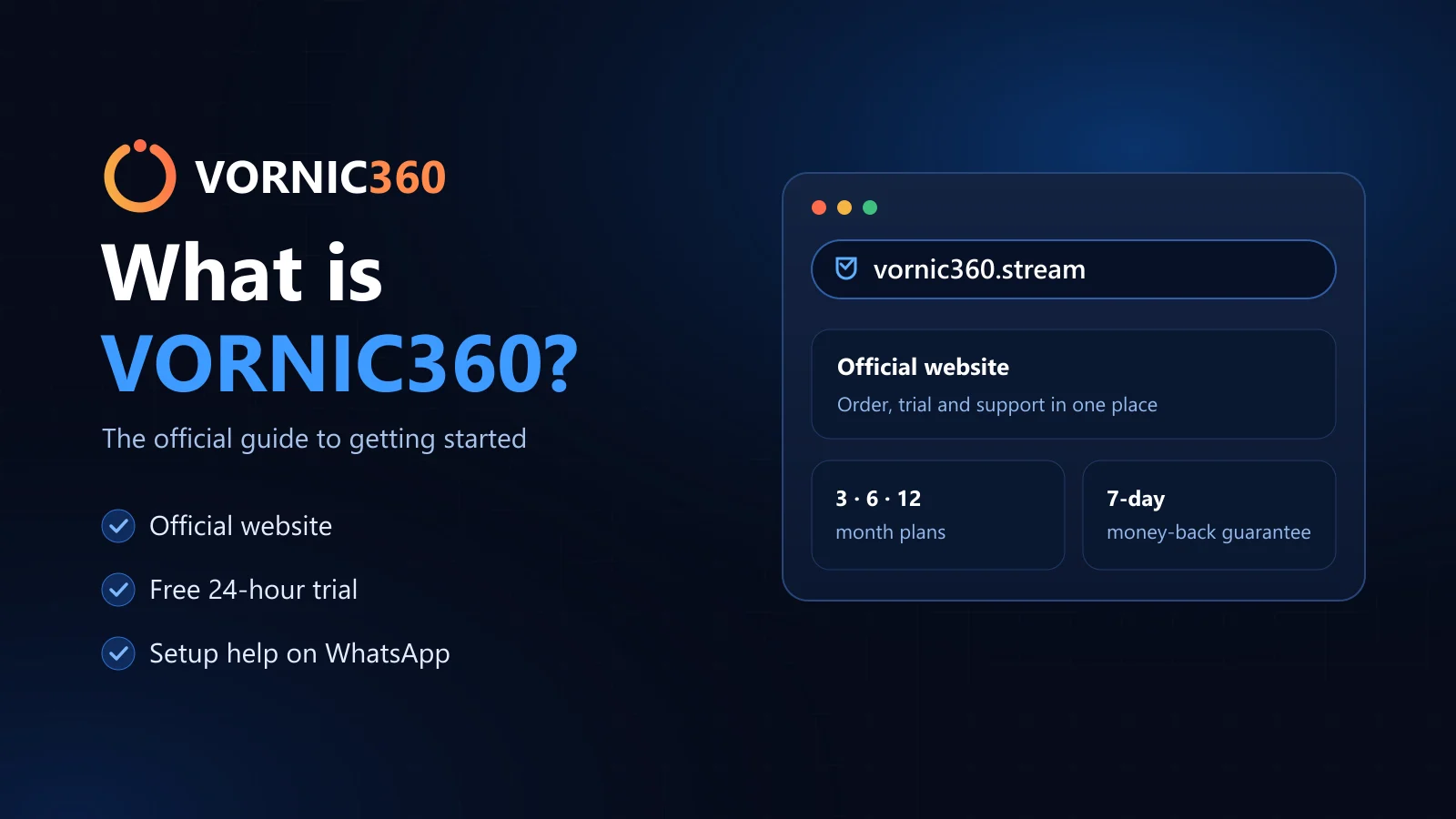
What Is VORNIC360? Your Guide to Getting Started
What VORNIC360 is, how to recognize the official website, how the free 24-hour trial and plans work, and how to set up VORNIC360 IPTV on your device.